Your MacBook now
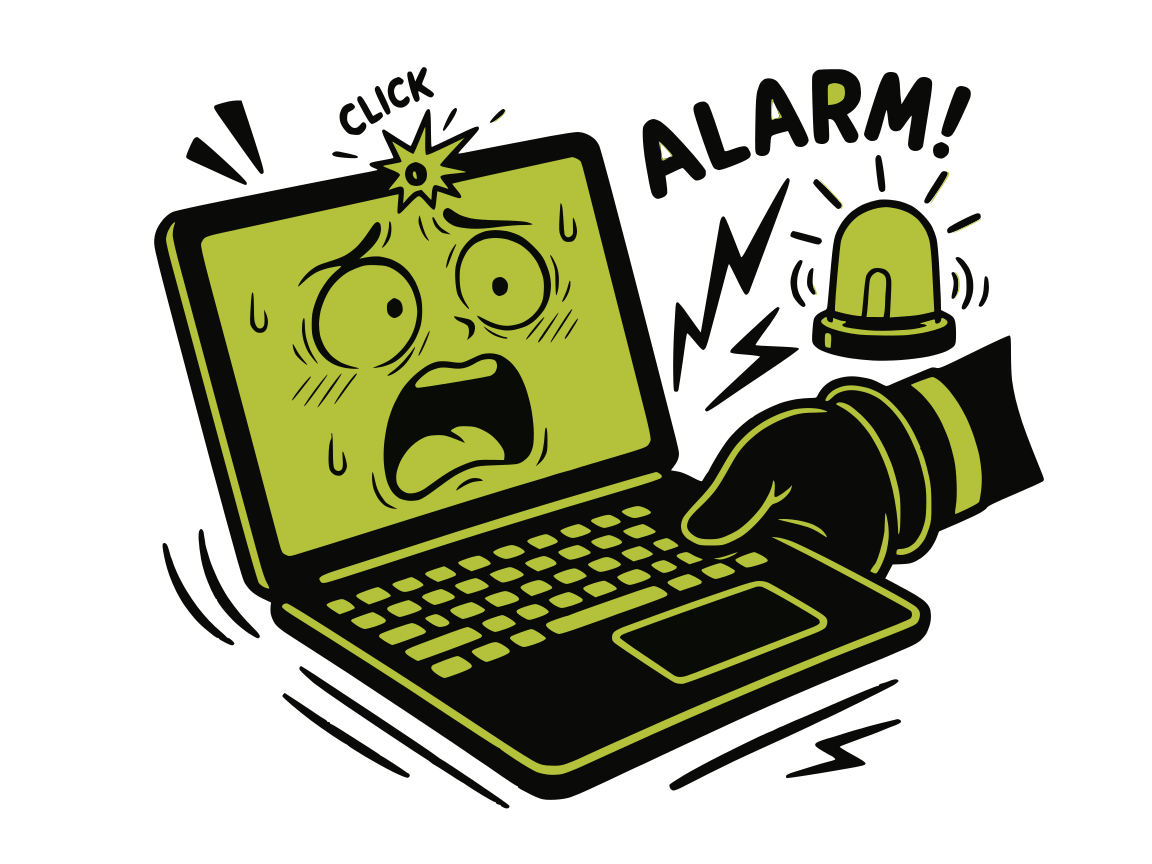
slaps back
v1.4 introduce anti-theft mode. Same app. Same accelerometer. Now with consequences.
What it does, exactly
Five things, all at once, the moment someone touches your Mac.
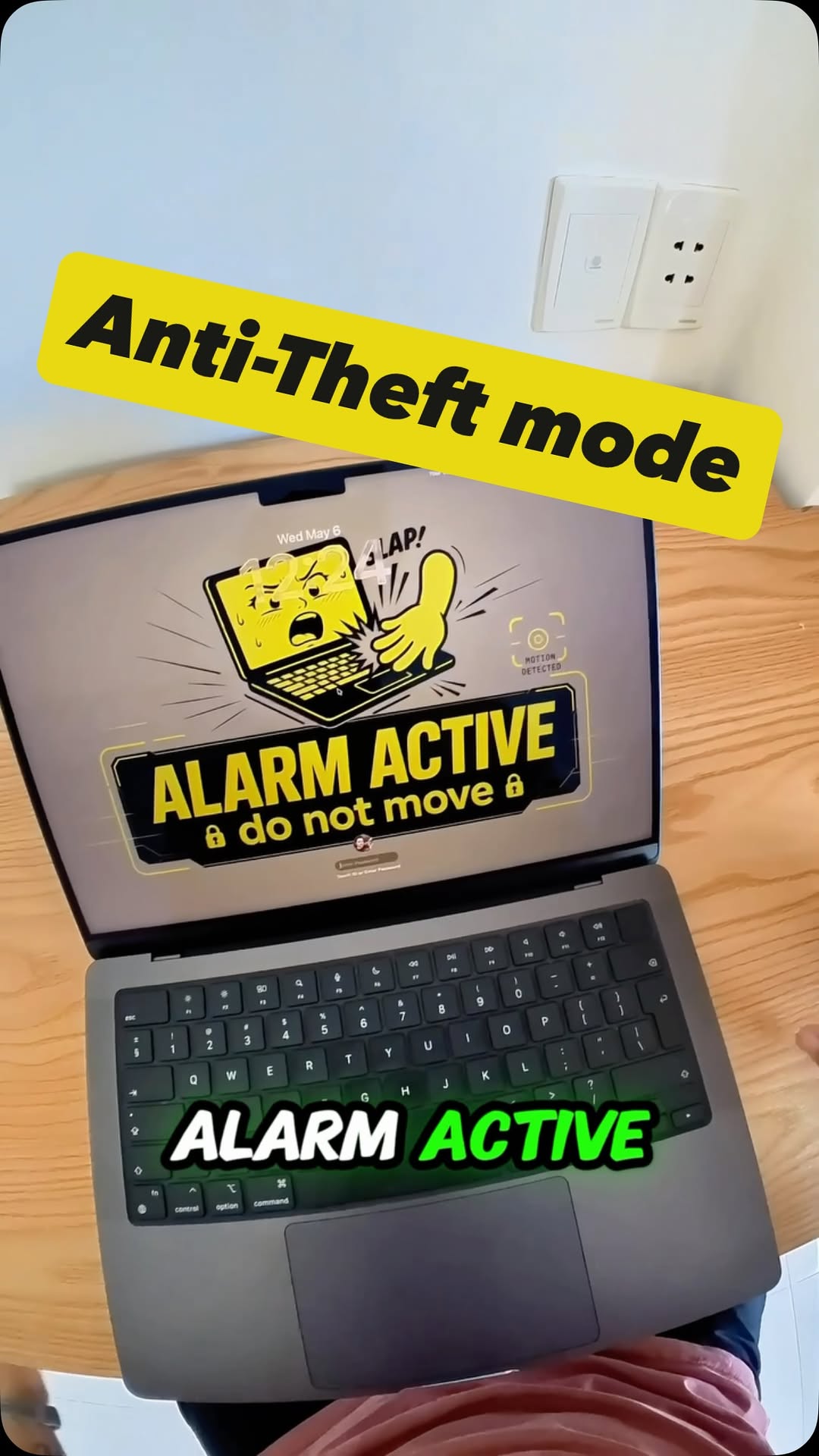
Auto-arms when you lock the screen
Lock your Mac. Walk away. It's listening now. Configurable arming delay so you don't trigger it on yourself.
Detects motion via the accelerometer
Same sensor that catches your slaps. Now it catches thieves. Sensitivity slider in case your dog walks past the desk a lot.
Fires a loud siren immediately
Three voice-pack sirens. Pick your favorite flavor of public embarrassment. Lid movement also triggers it.
Selfie of Shame
Snaps a photo of whoever moved your Mac. Saved to ~/Pictures/SlapMac/Intruders/, optionally synced to iCloud Drive so you have it even if the laptop walks off.
Touch ID to disarm
Only you stop it. Everyone else just makes it louder. Password works too.
How to turn it on
- 1. Open SlapMac. New users see an Intent prompt — pick Anti-Theft (or both, you greedy genius).
- 2. From the menu bar, toggle Anti-Theft Mode. Slap Mode lives next to it — they're independent.
- 3. Lock your screen. The alarm arms itself after the delay you set. Done.
Let's be honest 🫦
This isn't a replacement for AppleCare, FindMy, or, you know, not leaving your $3K+ laptop unattended in a Berlin café. It's a deterrent that screams. A loud, embarrassing, photo-taking deterrent. Use accordingly.
$12.99. Same price as Slap mode. Now also a bouncer.
Free forever for everyone who bought SlapMac before v1.4. Welcome to the security business.
Download for Mac